OWN PRODUCT

Five minutes of play,
every day, on your TV BrainPlay TV

If you can change the channel, you can play. BrainPlay TV is a collection of puzzle, card and word games for older adults, played with nothing but the arrow keys and the OK button on the TV remote. A small daily pleasure, on the television you already watch.

~5min
Today’s Challenge, every day
2buttons
Arrow keys and OK
0
Ads or sign-ups

For Fire TV, Google TV and Android TV. Available worldwide in English and Japanese.
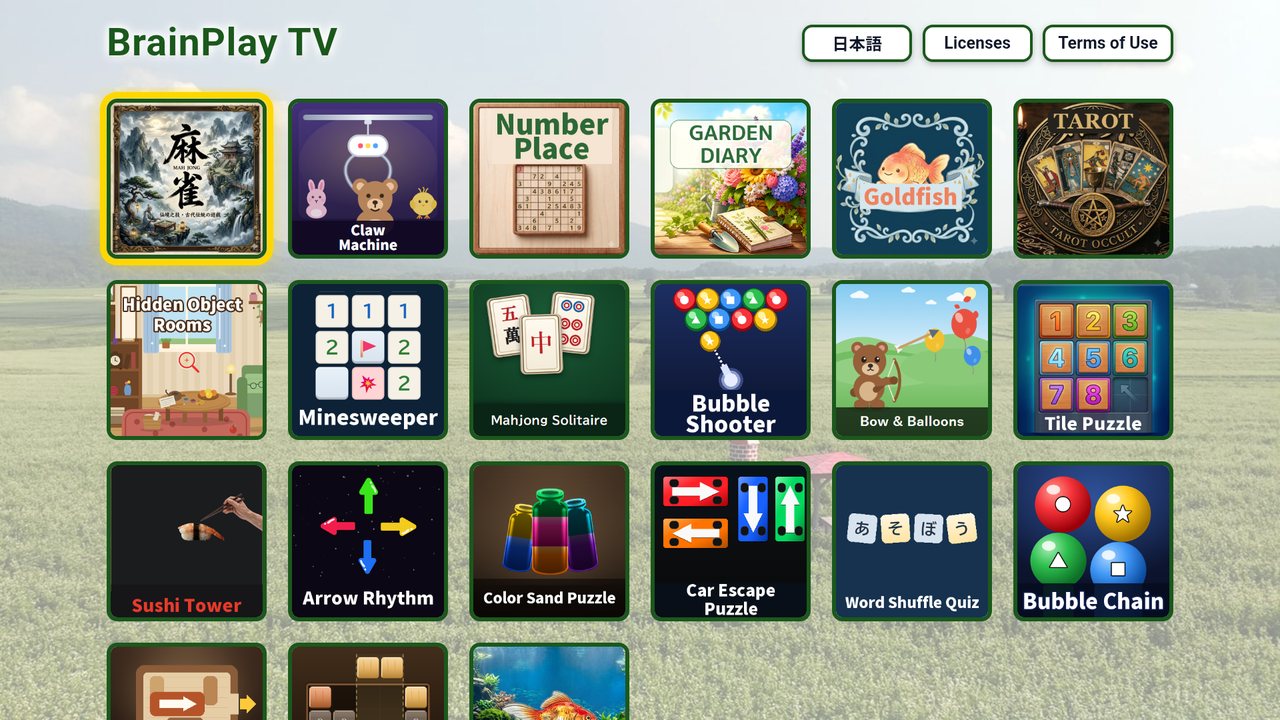
The BrainPlay TV home screen, with games arranged as tiles
The BrainPlay TV home screen (actual app screen)

Never tried an app? That’s who we made it for

We took out everything that gets in the way, so that people who have never downloaded an app can simply sit down and play.

Just the remote

Arrow keys to choose, OK to start. That is the whole thing. Every menu and screen is designed around the TV remote, with nothing to learn.

Today’s Challenge

Each morning brings three short exercises with numbers, shapes, colors and memory. They take about five minutes, and a new set arrives tomorrow.

Big text, no timers

Large, clear text made to be read from across the room. No time limits and no penalties for mistakes. Take as long as you like.

No ads, no account

Install it and start playing. There is nothing to sign up for, no personal details to enter, and no advertising while you play.

The games

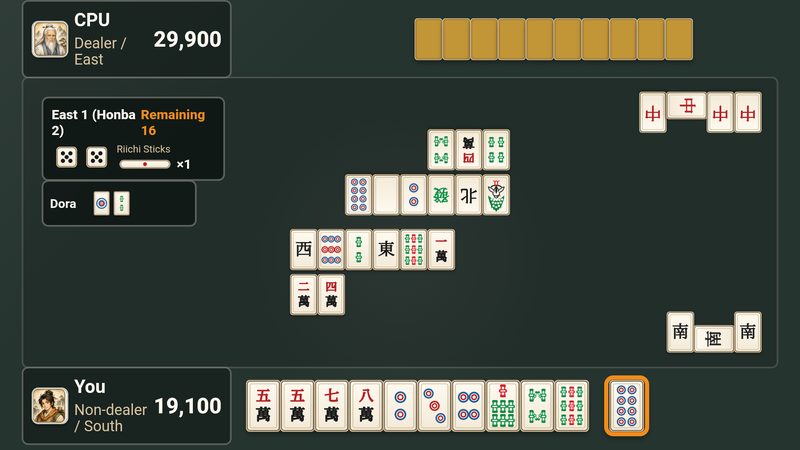
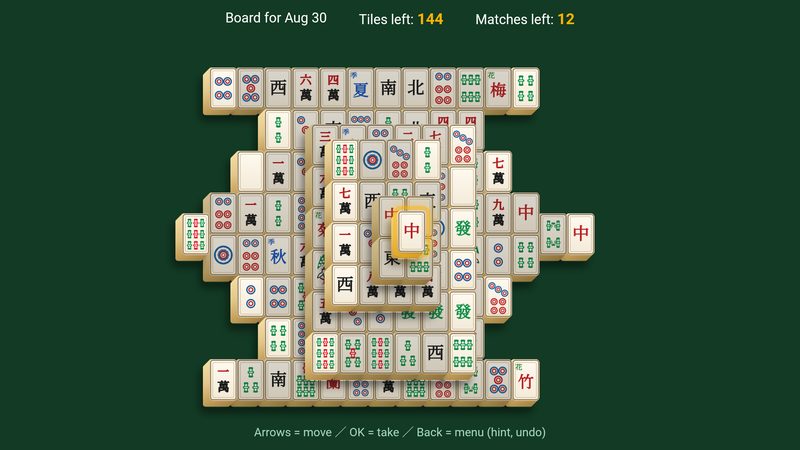
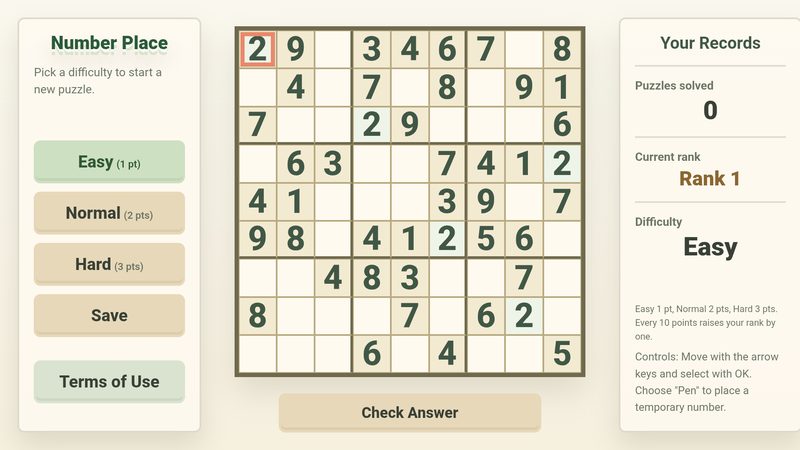
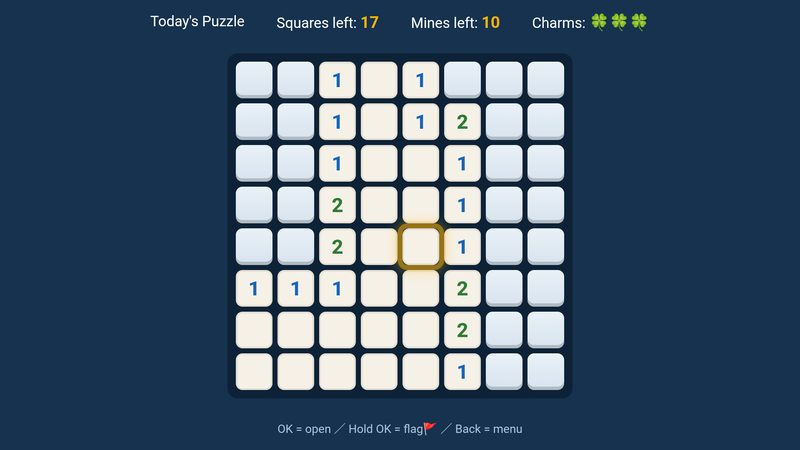
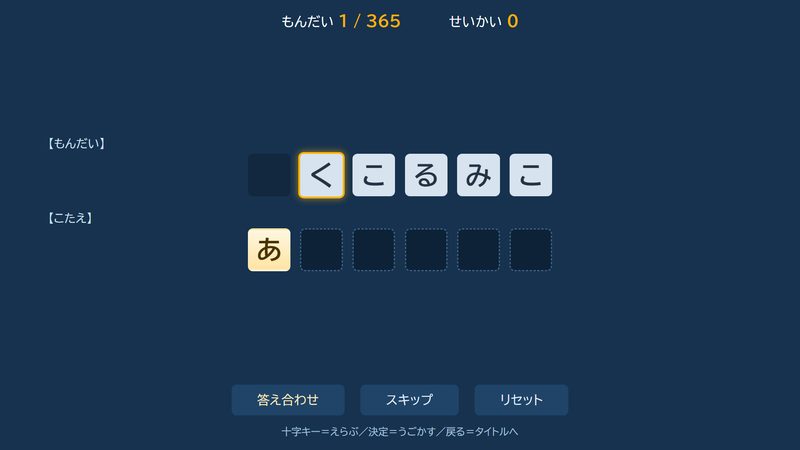
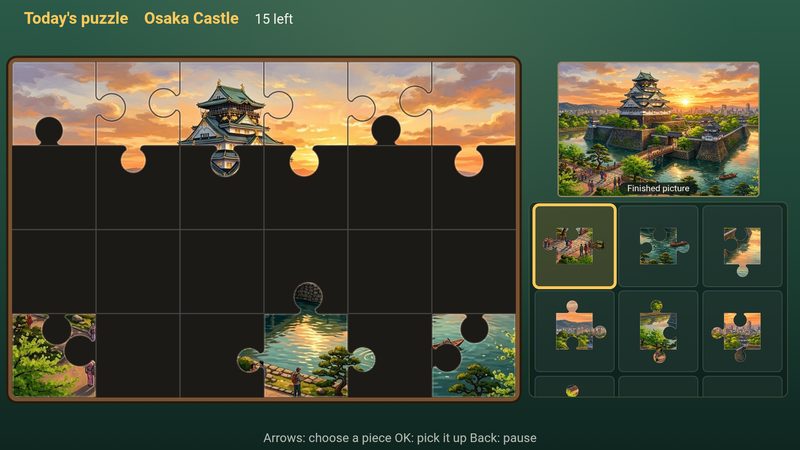
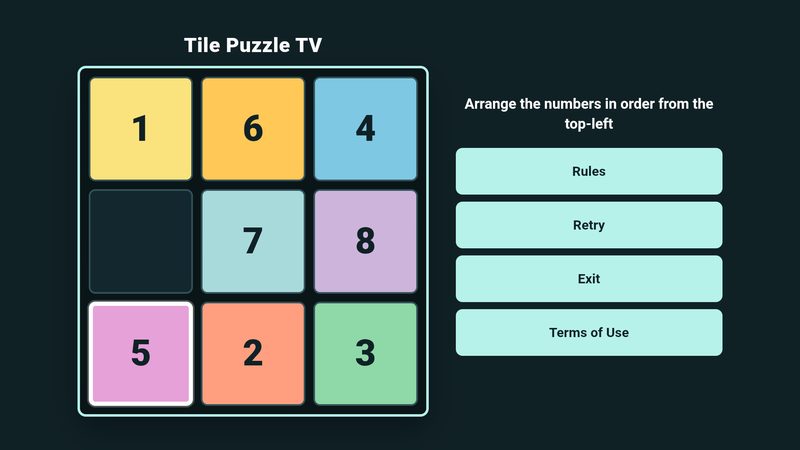
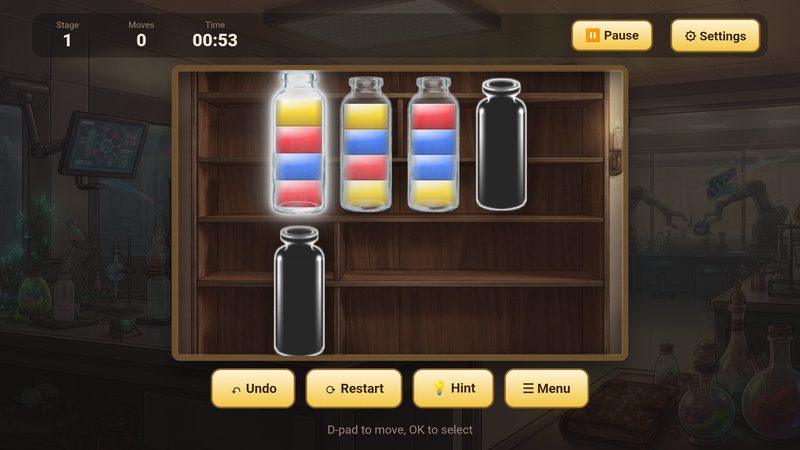
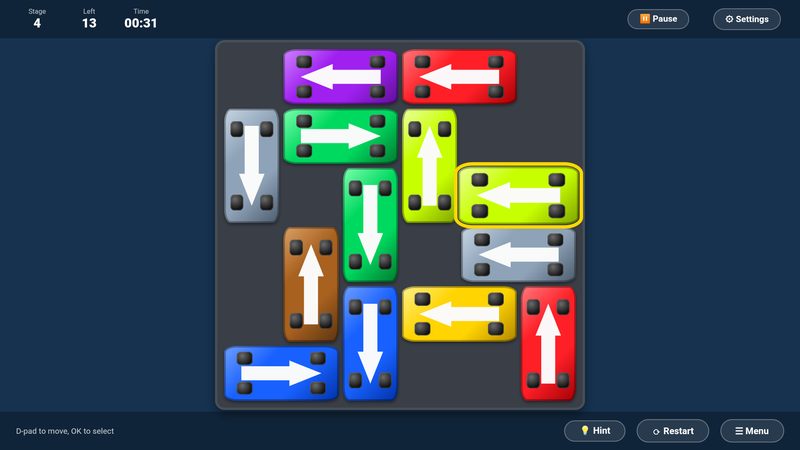
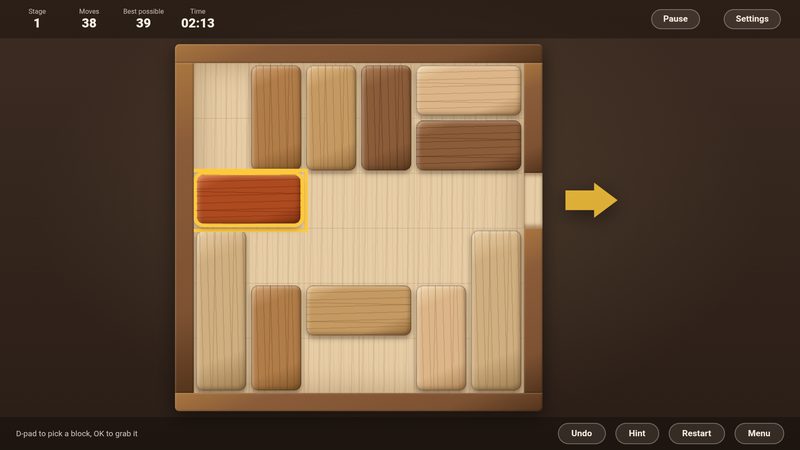
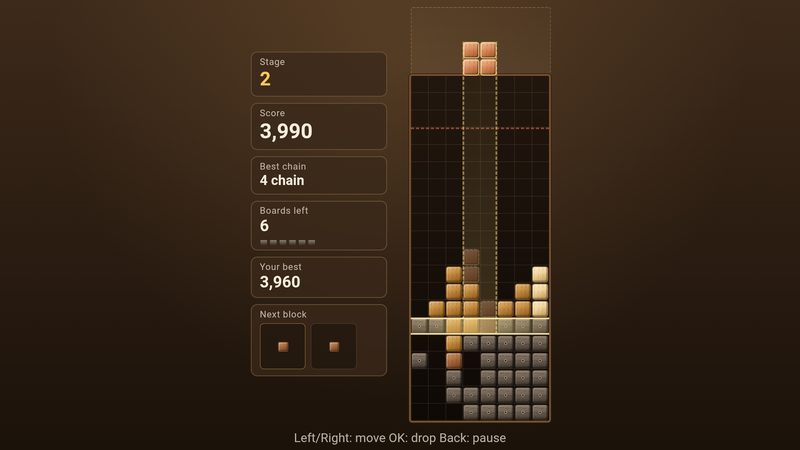
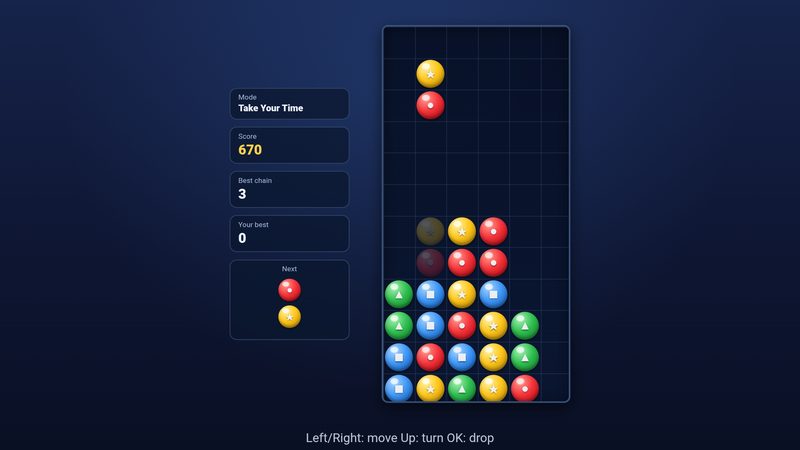
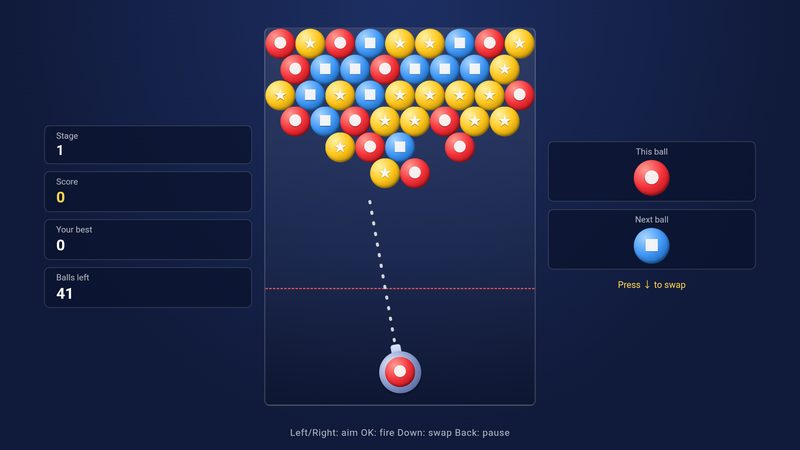
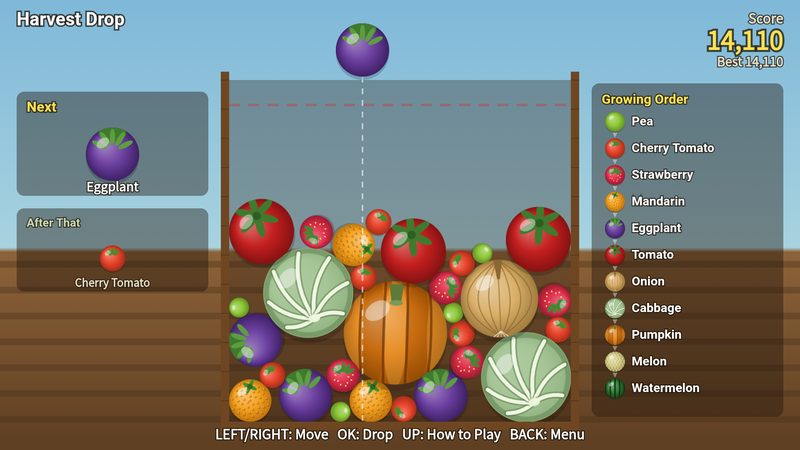
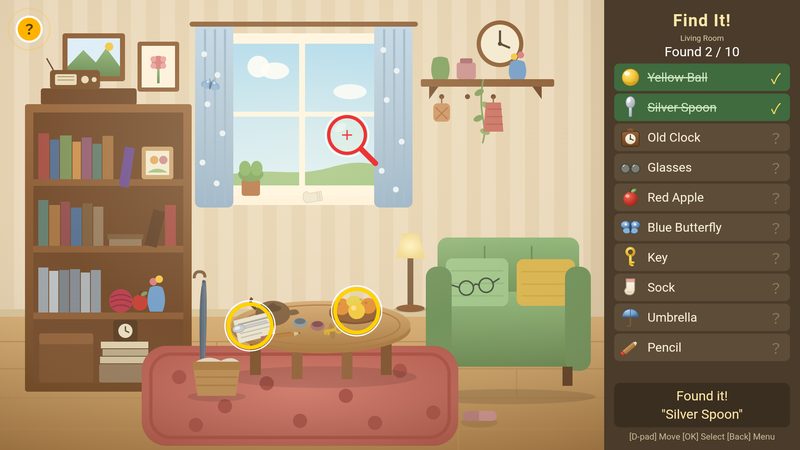
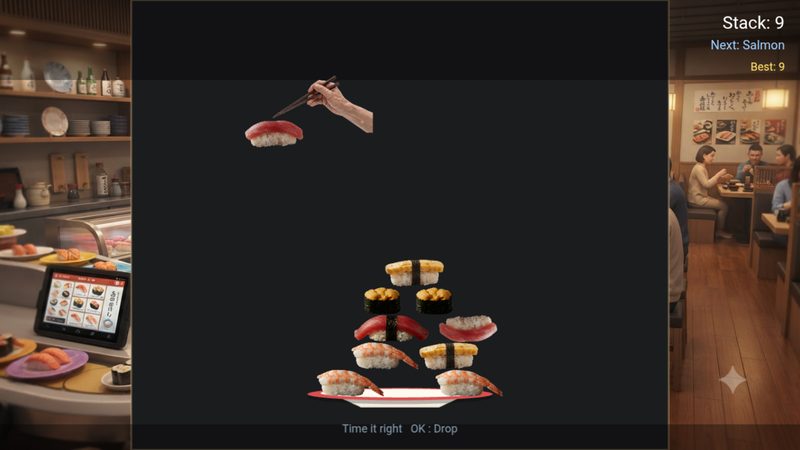
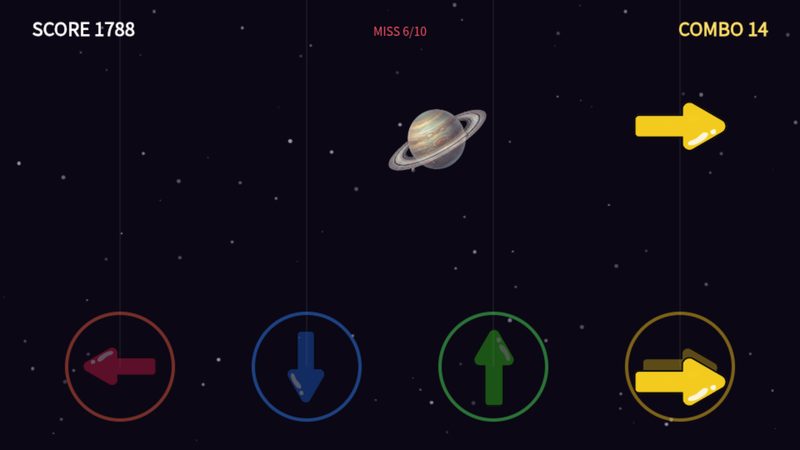
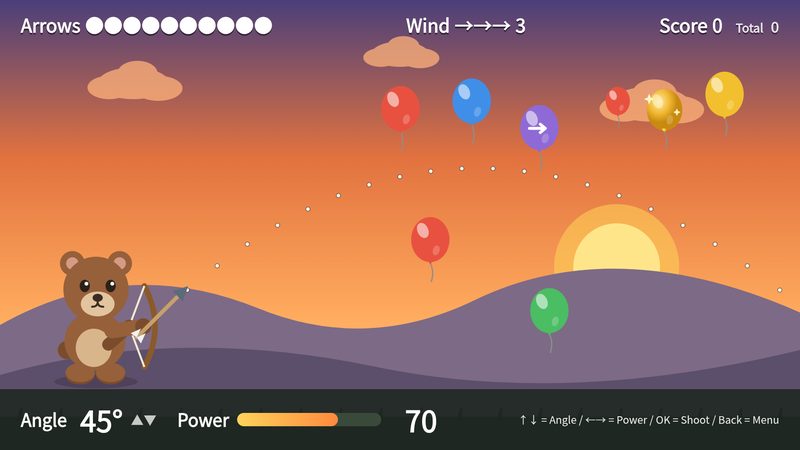
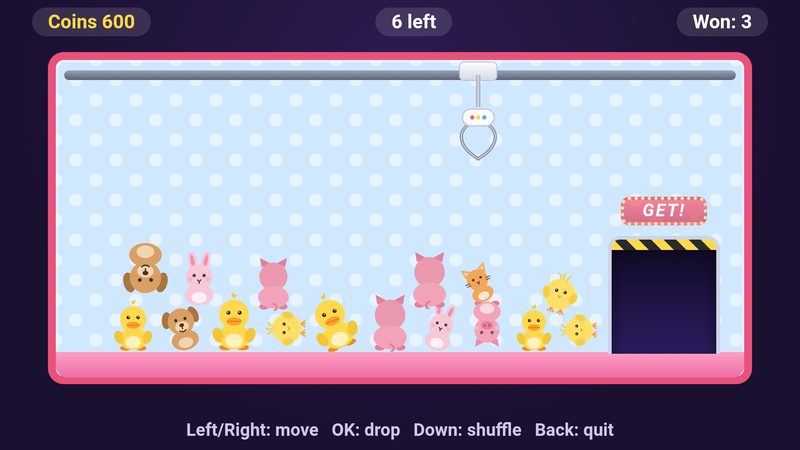
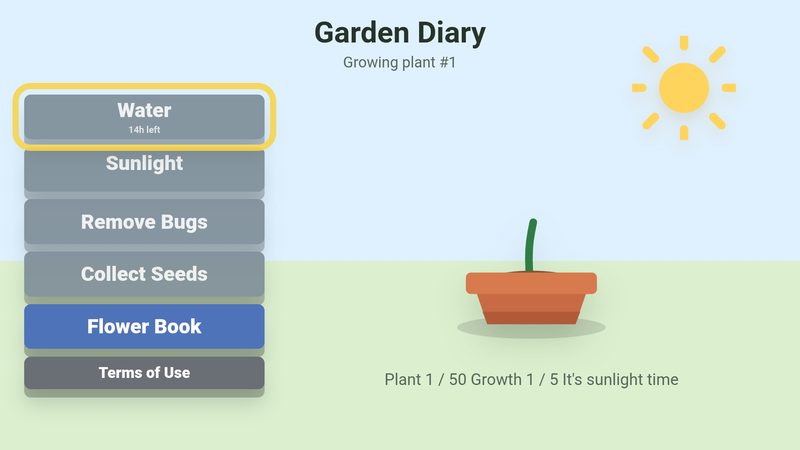
23 games refined with older viewers of Japanese cable television, and more are on the way.

FOR FAMILIES
The BrainPlay TV app icon

A gift for a parent’s TVFIRE TV / GOOGLE TV / ANDROID TV

Install it on your parents’ TV the next time you visit. With no setup and no account, they can start playing that same day with a single remote.

  • Works on a Fire TV Stick (2nd generation or later) or any Google TV / Android TV television
  • Something to look forward to each time the TV comes on, easy to keep up day after day
  • Even without a membership, three games each month plus one daily Bonus game are free to play

Getting started

Search for “BrainPlay TV” from your TV’s home screen and install it. That is all.

Find the app

On Fire TV, search from the home screen. On Google TV, search in the Apps tab.

Install

Press OK to install. There is no account to create and nothing to set up.

Play today’s set

Open the app and today’s three exercises are waiting. Choose with the arrow keys and press OK.

Pricing and devices

Price Free to start: three games that rotate every month, plus one daily Bonus game
Membership: US$4.99 a month (¥550 including tax in Japan) unlocks every game. The first three months are free, and you can cancel anytime
Devices Fire TV (Fire OS 5 or later; Fire TV Stick 2nd generation or later), Google TV / Android TV
Stores Amazon Appstore / Google Play
Languages English, Japanese
Availability Worldwide (countries and regions served by the Amazon Appstore and Google Play)
Official site https://brainplaytv.com/
Press kit https://brainplaytv.com/press/ (screenshots, icon, logo)

See also our press release of September 29, 2026, announcing the worldwide launch of BrainPlay TV (in Japanese).
Fire TV is a trademark of Amazon.com, Inc. or its affiliates. Google TV, Android TV and Google Play are trademarks of Google LLC.

For cable operators and local governments

The games in BrainPlay TV are also available for the cable IP sticks used in Japan.
If you would like to offer them as a service for older residents, please get in touch.